
STL Files: Your Gateway to Selling 3D Prints (A Beginner's Guide)
Start your 3D printing journey by understanding the language of 3D printers: STL files.
What Exactly IS an STL File?
Imagine you want to bake a cake. You need a recipe, right? In the world of 3D printing, an STL file is that recipe. Short for ‘Standard Triangle Language’ or ‘Stereolithography,’ an STL file is a digital blueprint that describes the surface geometry of a 3D object. Think of it as a collection of tiny triangles that, when combined, create the shape you want to print.
Unlike CAD files, which contain information about how the object was designed, STL files only contain surface data. This makes them universally compatible with most 3D printers. When you load an STL file into your 3D printing software (called a slicer), the software translates this triangular mesh into instructions that your printer can understand, layer by layer.
Don’t worry about the technical jargon too much right now. The key takeaway is that an STL file is the essential ingredient for turning your digital ideas into tangible objects.
Finding STL Files: Your Treasure Map
Now that you know what an STL file is, the next step is finding them! Luckily, there are tons of resources available, from free repositories to online marketplaces. Here are a few popular options:
- Thingiverse: A massive library of free STL files, perfect for beginners and hobbyists.
- MyMiniFactory: Offers both free and premium STL files, with a focus on quality and curated designs.
- Cults3D: A marketplace for high-quality, often more complex STL files.
- CGTrader: A broad marketplace with a wide variety of 3D models, including STL files, for various applications.
When browsing these sites, use keywords related to the type of object you want to print (e.g., ‘phone stand,’ ‘miniature figure,’ ‘cookie cutter’). Pay attention to the file descriptions and user reviews to ensure the STL file is well-designed and printable. Also, be mindful of licensing. Some files are free for personal use only, while others allow commercial use (which is important if you plan to sell your prints!).
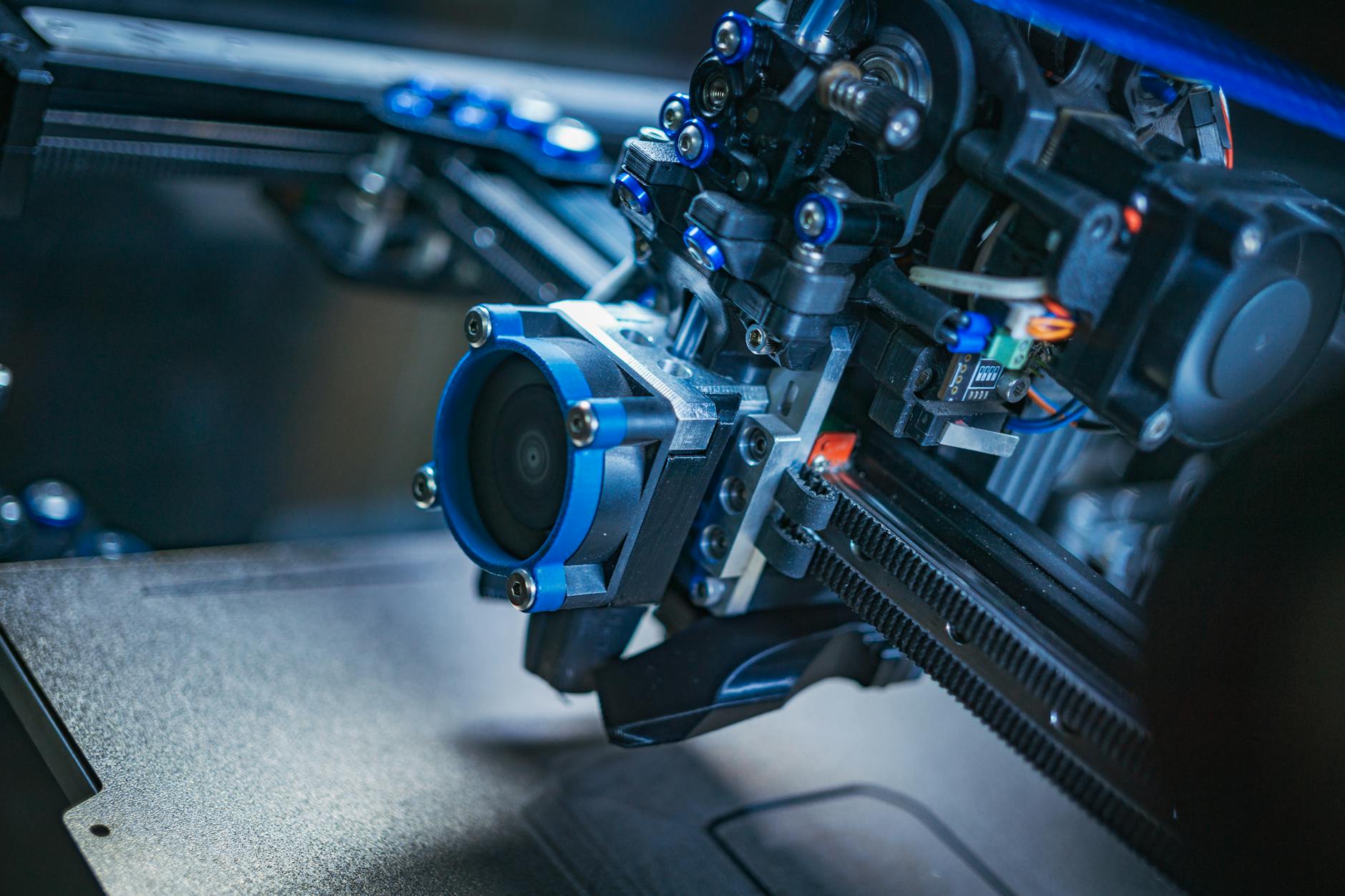

From STL to Printed Product: A Simple Workflow
Okay, you’ve found an STL file you like. What’s next? Here’s a simplified workflow to get you started:
- Download the STL file: Save it to your computer in a location you can easily find.
- Import into a Slicer: Open your 3D printing slicer software (like Cura, PrusaSlicer, or Simplify3D). Import the STL file into the slicer.
- Adjust Settings: This is where you tell the slicer how you want the object printed. Key settings include layer height (resolution), infill density (strength), and print speed. Don’t be overwhelmed! Most slicers have default profiles that work well for common materials like PLA.
- Slice the Model: The slicer processes the STL file and generates G-code, which is the language your 3D printer understands.
- Send to Printer: Transfer the G-code file to your 3D printer (usually via SD card or USB).
- Print! Start the print and watch your digital design come to life.
Experiment with different settings and materials to see what works best for you. There’s a learning curve, but the satisfaction of creating something tangible is well worth it.
Selling Your 3D Prints: Turning Hobby into Hustle
Now for the exciting part: selling your 3D prints! Here are a few avenues to explore:
- Online Marketplaces: Platforms like Etsy, eBay, and specialized 3D printing marketplaces (e.g., Treatstock) allow you to list and sell your creations.
- Your Own Website: Create your own online store using platforms like Shopify or WooCommerce. This gives you more control over branding and pricing.
- Local Craft Fairs and Markets: Connect with customers in person and showcase your unique designs.
- Social Media: Use platforms like Instagram and TikTok to promote your products and reach a wider audience.
When selling 3D prints, consider factors like material costs, printing time, and post-processing (e.g., sanding, painting). Price your products competitively while ensuring you’re making a profit. High-quality prints, excellent customer service, and unique designs will help you stand out from the crowd.
Remember to clearly state the license of the STL file you are using. If it’s only for personal use, you can’t sell it. You need to either design your own or purchase a commercial license.
Essential Tips for Beginners
Starting a 3D printing business can be exciting, but it’s important to approach it with a plan. Here are some tips to help you succeed:
- Start Small: Don’t try to print everything at once. Focus on a few simple designs and master the basics.
- Invest in Quality Filament: Cheap filament can lead to printing problems. Choose reputable brands for best results.
- Calibrate Your Printer: Proper calibration is crucial for accurate prints. Follow your printer’s instructions carefully.
- Troubleshoot Common Issues: Learn how to identify and fix common printing problems like warping, stringing, and adhesion issues.
- Join Online Communities: Connect with other 3D printing enthusiasts for support, advice, and inspiration.
The 3D printing community is incredibly supportive, so don’t be afraid to ask for help. With patience, practice, and a willingness to learn, you can turn your 3D printing hobby into a successful business.
Key Takeaways
- STL files
- 3D printing business
- 3D printing for beginners
- 3D printing models
- Selling 3D prints