
Scaling Up: Managing Multiple 3D Printers for Business Growth
Maximize output and revenue by mastering the art of managing multiple 3D printers.
The Power of Parallel Production: Why Multiple Printers?
For a growing 3D printing business, the transition from a single printer to a multi-printer setup is a pivotal moment. It signifies a shift from hobbyist production to a serious manufacturing operation. The primary advantage is, of course, increased throughput. Instead of fulfilling one order at a time, you can run multiple jobs concurrently, drastically reducing lead times and improving customer satisfaction. This speed directly translates to higher revenue potential, as you can accept and complete more orders within the same timeframe.
Beyond speed, a printer farm offers redundancy. If one machine goes down, your entire operation doesn’t grind to a halt. You can redistribute the workload to other printers, minimizing disruption. Diversification is another key benefit. With multiple printers, you can dedicate specific machines to certain materials or print qualities, optimizing performance and reducing the need for constant changeovers. This leads to greater efficiency and better quality control.
Setting Up Your 3D Printing Farm: Key Considerations
Creating an efficient 3D printing farm requires careful planning and execution. First, consider the physical space. You’ll need adequate room for the printers themselves, as well as storage for filament, tools, and finished parts. Ventilation is crucial, especially when working with materials that emit fumes. Temperature and humidity control can also impact print quality, so consider investing in environmental controls.
Next, evaluate your power infrastructure. Multiple printers running simultaneously can draw a significant amount of electricity. Ensure your electrical system can handle the load and consider installing surge protectors to protect your equipment. Network connectivity is also essential. Connect all printers to a central network for easy file transfer and remote monitoring. Finally, think about workflow optimization. Design a system for loading and unloading printers, removing supports, and post-processing parts. A well-organized workspace will minimize downtime and maximize productivity.

Software and Workflow: Streamlining Your Operations
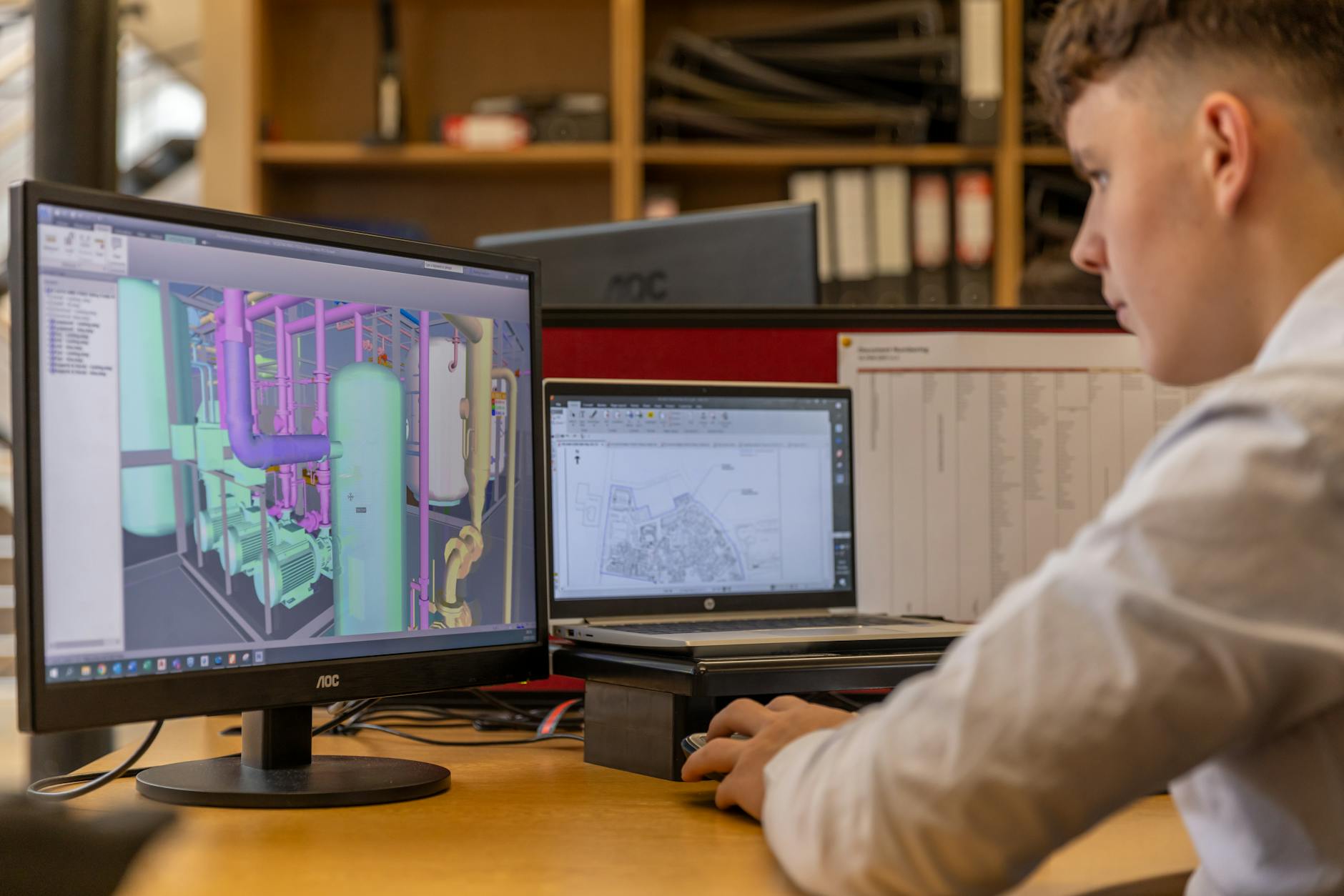
Effective software is the backbone of any successful 3D printing farm. A robust print management system allows you to queue jobs, monitor printer status, and track material usage from a central dashboard. Look for software that supports remote monitoring and control, so you can manage your printers from anywhere.
Slicing software is also critical. Choose a slicer that offers advanced features like automatic support generation, variable layer height, and custom print profiles. Experiment with different settings to optimize print quality and speed. Workflow automation can further streamline your operations. Use scripts or macros to automate repetitive tasks, such as file preparation, printer calibration, and error reporting. Consider integrating your 3D printing software with your order management system for seamless order fulfillment.
SeekMake’s platform can also play a crucial role in streamlining your workflow. By accurately calculating printing costs and providing instant quotes, SeekMake helps you manage your pricing, optimize resource allocation, and improve profitability.
Maintenance and Troubleshooting: Keeping Your Printers Running
Regular maintenance is essential for keeping your 3D printers running smoothly and avoiding costly downtime. Develop a preventative maintenance schedule that includes tasks like cleaning the print bed, lubricating moving parts, and checking for loose connections. Regularly inspect your printers for signs of wear and tear, such as worn nozzles, damaged belts, or faulty sensors. Replace parts as needed to prevent failures.
Troubleshooting is an inevitable part of running a 3D printing farm. Train your staff to identify and resolve common issues, such as bed adhesion problems, nozzle clogs, and layer shifting. Keep a stock of spare parts on hand so you can quickly repair any broken machines. Document your troubleshooting procedures so you can easily refer to them in the future. Consider using a ticketing system to track maintenance requests and ensure that all issues are addressed promptly.
Optimizing for Profitability: Cost Analysis and Pricing Strategies
Running a profitable 3D printing business requires a thorough understanding of your costs. Track all your expenses, including filament, electricity, maintenance, and labor. Use this data to calculate the cost per part and set your prices accordingly. Consider using a cost estimation tool like SeekMake to accurately determine your printing costs and ensure that you’re pricing your products competitively.
Experiment with different pricing strategies to maximize your profits. Consider offering volume discounts for larger orders. Charge a premium for rush orders or specialized materials. Regularly review your pricing to ensure that you’re staying competitive and profitable. Explore value-added services, such as design assistance, post-processing, and custom packaging, to increase your revenue per order.
Key Takeaways
- Multiple 3D printers business
- 3D print fulfillment
- 3D printing farm
- Additive manufacturing
- Scaling 3D printing
- 3D printing workflow